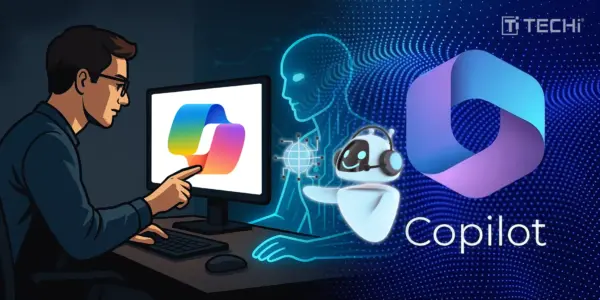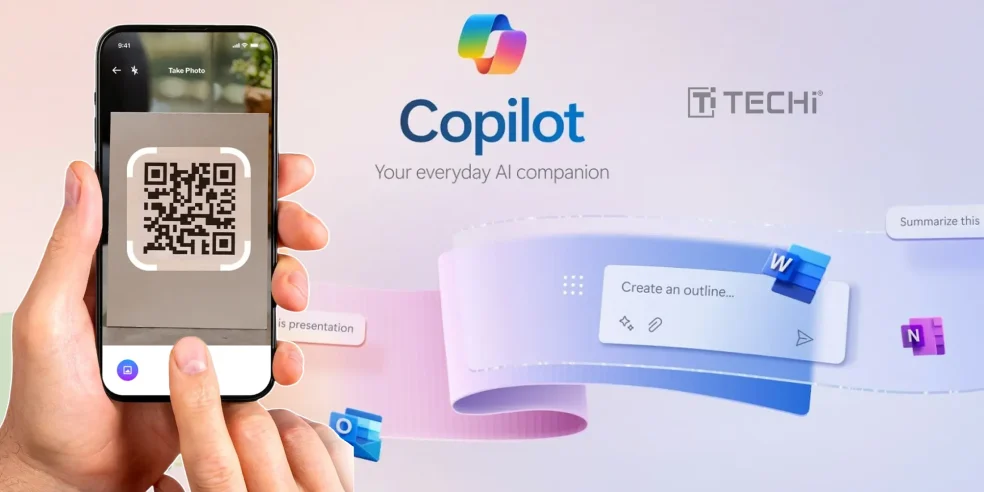

Microsoft is set to bring about a game changing update to their AI software “Capilot” allowing the AI tool to see everything happening on your desktop or laptop screen.
Unlike many other versions of uploading screenshots to the AI chat box for a conversation with more context , this one lets AI behave as if you’re sharing your screen with a colleague. This takes out the “have I explained the problem well enough?” worry.
Also, this time it seems that Microsoft has got the “privacy balance” right, learning from its previously controversial Recall debacle.
Previously screen sharing felt invasive because of its unbridled authority to take a snapshot of your screen at any given time without asking for any permission or explaining reasons.
The “capilot vision” feels safer and acts as an actual assistant waiting for commands and directives to perform. To make it work, you need to tap on the glasses icon, which allows you to expose only the items of your choosing. This manual activation process addresses the biggest concern that tanked “Recall”; constant surveillance.
It’s also changing the way we react, now instead of facing a jam while explaining a problem to tech-support or collaborative work, you can simply ask capilot vision to see it all and explain it accordingly to the other concerned party.
As promised by Microsoft, capilot could assist in game navigation while playing or suggest resume upgrades, while being in the process, contrary to other AI tools where you have to attach the draft or completed progress for suggestions to improve.
Microsoft had previously tested the new version as a web-browsing assistant in Edge last year where it also worked with mobile camera input. But the desktop expansion is the real game-changer.
Copilot Vision feels intentional and helpful. It’s the difference between being watched and choosing to share and that distinction might be exactly what makes AI screen assistance finally click with mainstream users.