
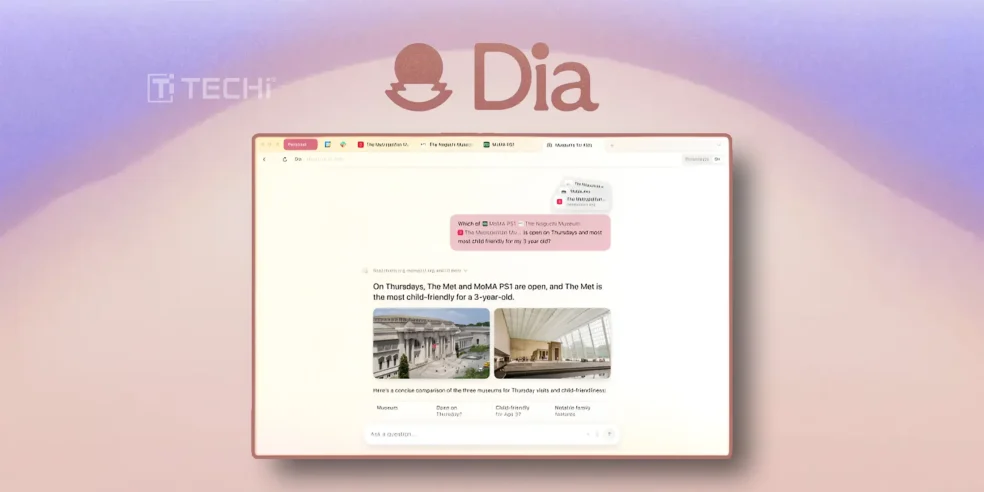
Dia is a new AI-first browser that is developed by The Browser Company. This launch marks a significant shift in browser design, which emphasises user interface innovation. An AI assistant that is integrated into the browser can comprehend your online activities, such as reading, buying, researching, or writing, and provide insightful, context-aware assistance.
Based on the report, the Arc app completely redesigned the way browsers function by moving tabs to the side and combining them with bookmarks, providing countless ways to arrange your belongings, and coming up with several suggestions for ways to make web browsing a little more enjoyable.
Josh Miller, CEO of The Browser Company, assures me that Dia will receive some of that material in time. For current Arc users, the app that launches today is still under beta testing. Dia promises to provide an interactive sidebar smart assistant that will comprehend what you’re looking at, retain your browsing history, and assist you in completing tasks, whether you’re surfing for research, writing, travel planning, or even shopping.
This program reflects the recent recognition by Josh Miller, CEO of The Browser Company, that consumers have been using AI technologies for a variety of jobs. In order to eliminate the need for users to visit websites for products like ChatGPT, Perplexity, and Claude, the business hopes to integrate AI.
ARC vs Dia: Which One is best? 🔗
Although The Browser Company created both Arc and Dia, they have separate functions and represent two different ideologies. With its distinctive and well-structured layout featuring vertical tabs, sidebar spaces, and a command bar, Arc is dedicated to rethinking the browser itself.
In contrast to Arc, Dia adds horizontal tabs, which make it simple to navigate and retrieve the context of open tabs directly from the chat window. The well-designed browser caters to people who appreciate fluid transitions and good visual quality.
According to the post on X, Dia is now available to Arc members at http://diabrowser.com/download!
- Using your Arc email address, you must first establish a new Dia account in order to log in.
- Go to Arc > Settings > Account to locate your Arc email.
- You can use different passwords for Arc and Dia!
All AI features are still routed via a default underlying model, despite its excellent performance and well-designed user interface. Dia focuses on information extraction and summarizing rather than active execution of tasks on websites, despite its autonomous approach.
Techi believes that both are cutting-edge. Arc is a design-first browser with less AI features, while Dia represents a more drastic change toward surfing powered by AI.