
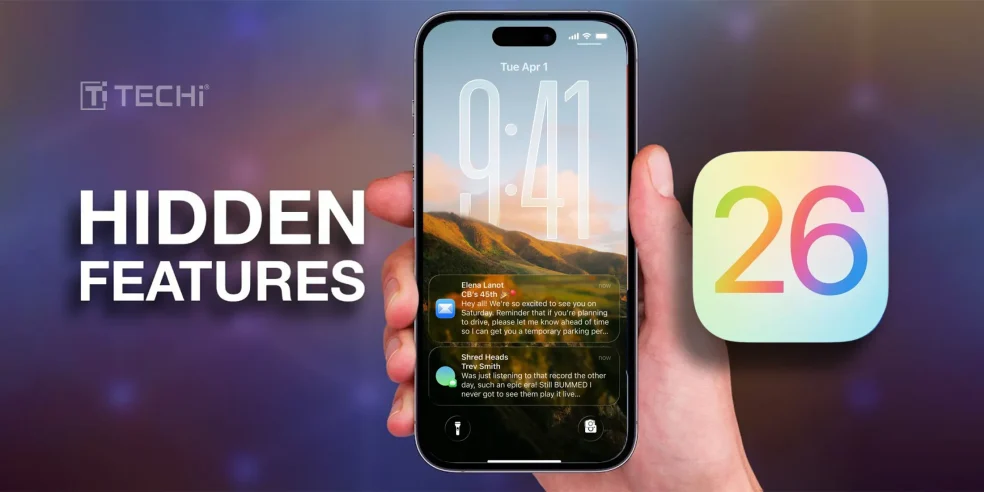
With its many powerful yet understated new features of iOS 26 makes the user experience more seamless, intelligent, and customized than ever. Apple didn’t highlight these features on stage, while Apple’s WWDC stage performance surprised with daring changes like AI integrations and fresh app redesigns. The true beauty of iOS 26 is concealed in the details, weaved into the small, sometimes overlooked elements that truly influence our daily iPhone usage.
iOS 26’s hidden powers that are an exploration of the minor yet revolutionary features Apple didn’t highlight. It is revamping iOS, the software that runs your iPhone, for the first time in more than ten years. They refer to the design of iOS 26 as Liquid Glass. You can anticipate seeing transparent layers and controls that change shape based on your phone’s activity. Both Macs and iPads now have the updated design.
Let’s break down these design features:
Sleek and Transparent Design 🔗
The design of your iPhone will be transparent and streamlined. When iOS was first released in 2007, its design was inspired by real-world objects. For example, the port at the bottom of the screen resembled metal mesh, the YouTube icon was an old-fashioned TV, and elements like brushed steel and wood grain were used throughout the programs.
iPhone menus will appear bright, frosted-glass, with faint color accents. Many of the pieces have a slight feeling of depth and are more rounded. The “liquid” portion is exactly that buttons and menus react to your touch, occasionally separating into separate menus. In addition to bright and dark settings, the new design includes an all-clear mode that makes the interface of your iPhone appear semi transparent.
iPhone Now Handle Calls and Messages 🔗
Chatting will be simpler with real-time text and call translation. Texts in messages will be automatically translated into the language that the receiver prefers. The speaker’s language will be audible during FaceTime calls, and translations will appear as text. This will also function in standard phone conversations. Even though the person you are calling does not have an iPhone, you will both hear your favorite spoken language.
Shortcuts with AI
AI capabilities like summarization can be powered by either a local or on the internet model when creating a shortcut.
Bookmarking Features
Safari has a new bookmarking gesture. Double-tapping the three-dot menu in the latest Safari update allows you to create a shortcut to the page you are currently on.
Screenshot Menu
The layout of the screenshot menu has changed. Asking questions regarding a screenshot is made possible by visual intelligence. The menu will inevitably recommend reading it privately or summarizing any content that is displayed on the screen.
Podcasts
The playing speed options in the new Podcasts app range from 0.5x to 3x. To improve voices, the Podcasts app also features an improved dialog feature. This can be turned on for each individual episode.
In the end, iOS 26 is about the dozens of subtle, well-considered improvements that subtly transform the iPhone experience rather than just the large, ostentatious upgrades.
As Techi discovers more features in the upcoming iOS 26 version, we will continue to update this list.