

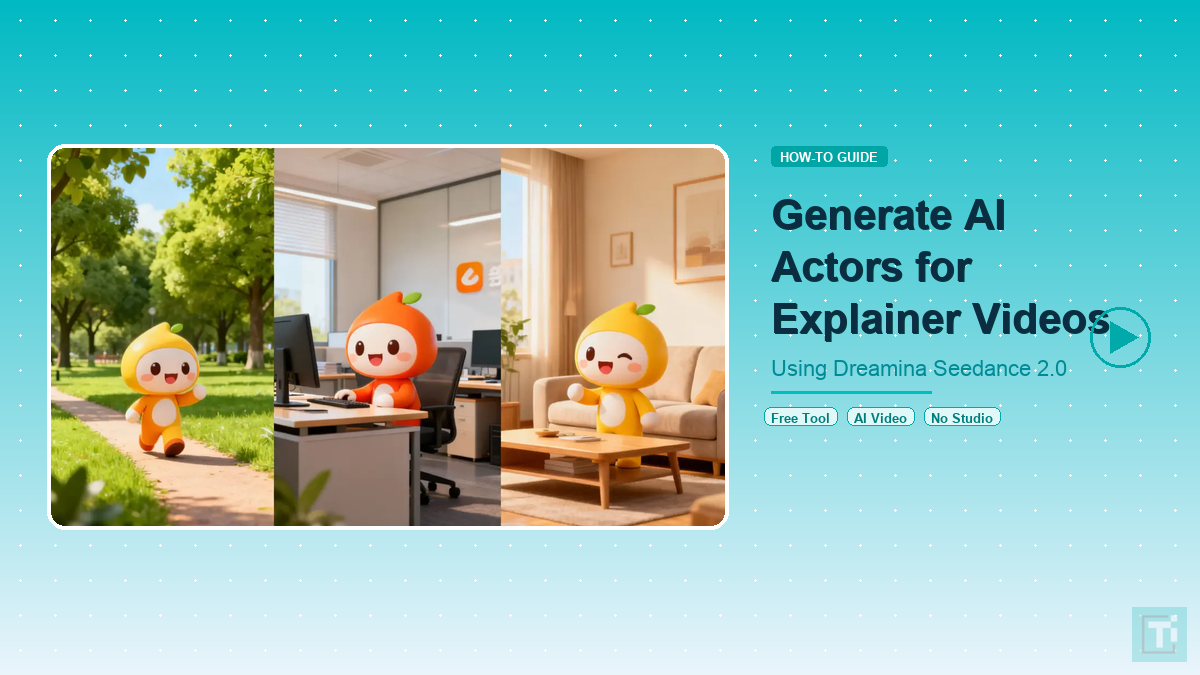
One moment you are coming up with an idea; the next, you have created an animated short with realistic characters, and you no longer have to pay to rent a studio for weeks or hire performers. With Dreamina, the Top 1 platform in both text-to-video and image-to-video lists, you can bring your imagination to life; the characters are digitally as real as they are on the computer screen for free. It is easier to create a short video than it is to attend most meetings; a couple of simple thoughts will get you a complete video representing those thoughts. If you want an instructional video showing you a new gadget, a tutorial movie, or a quick video of how to do something, you can put together these types of videos with Dreamina.
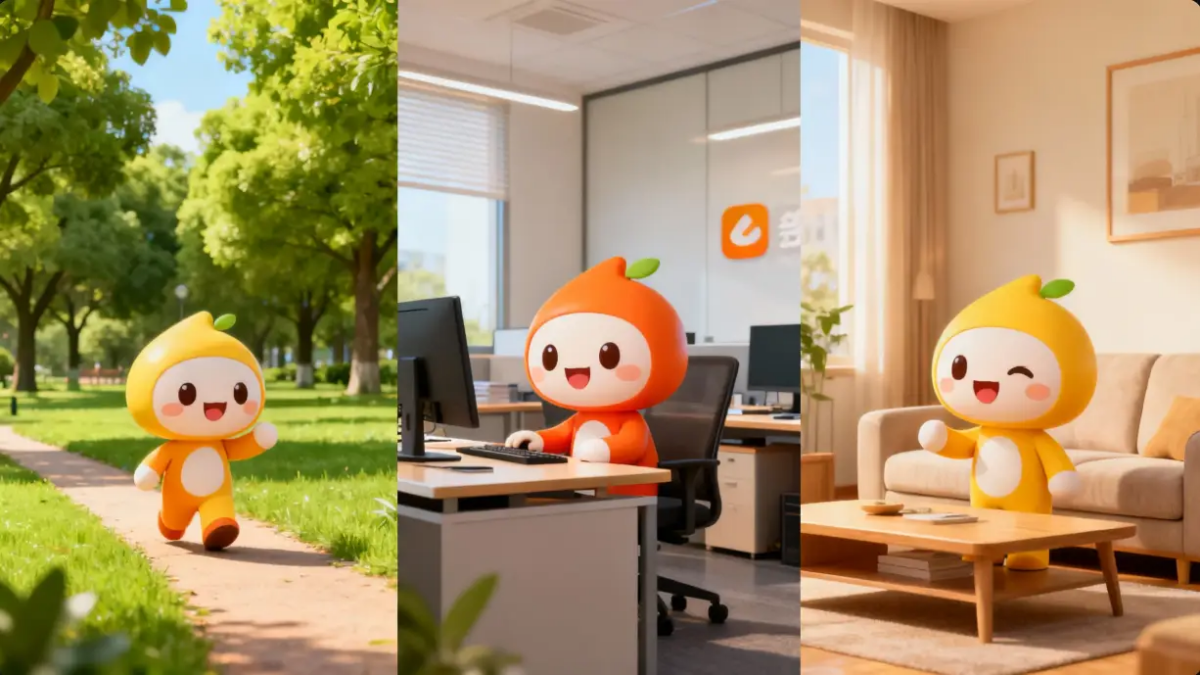
Dreamina Seedance 2.0 does not have the traditional jumping motion of digital people who animate like they “jump” from pose to pose; it has the ability to change posture, facial expressions, and small movements of the hands just like the way a person moves in real life.
While it is difficult for some to create animated characters that do not look stiff or awkward, Dreamina Seedance 2.0 allows characters to exude confidence and maintain a connection with the audience.
Why AI Actors Are Becoming the Future of Explainer Videos
Most folks think cutting clips takes time. Truth? Picking someone who explains things well trips them up more. Meet a tool called Dreamina Seedance 2.0 – builds fake people powered by AI. These characters talk smoothly, gesture like real ones, shift their mood to fit what is being said. Instead of hunting for hosts, now they appear on screen ready.
A single attempt might be enough now. So tools like Dreamina Seedance 2.0 step forward quietly. Situations where pacing and presence align well? That is when it shows its strength:
- Educational explainers
- Product demo videos
- YouTube tutorial content
- Short training videos
- Social media explainers
What stands out next is steady performance. While real people might shift how they sound, stand, or act from one take to another, Dreamina Seedance 2.0 ensures your digital performer stays just the way you set them – unchanged through every video, giving your audience a look and feel that sticks around. This kind of generative AI capability is reshaping how content gets made across industries.
Dreamina Seedance 2.0 Suits AI Actors
Only some video models handle real-looking people well. With Dreamina Seedance 2.0, movement flows better, faces show more life, while characters stay consistent frame after frame. Explainer videos thrive on that kind of precision.
Right away, spotting the upgrades feels natural once this model creates an AI performer. A shift in quality hits the eye without effort. Little details stand out faster than before. The motion flows smoother, almost like catching a familiar gesture. Response timing fits better into real-life rhythms. Subtle shifts in expression appear more consistent. Each output carries a clearer sense of presence. Improvements reveal themselves simply by watching:
- Better facial expressions that match the script
- Smoother hand movements and gestures
- Natural lighting that looks studio-ready
- Stronger character consistency across scenes
- Higher video clarity with fewer distortions
- More professional camera angles
What stands out about Dreamina Seedance 2.0 is how it moves beyond basic clip creation into something closer to real filmmaking. A brief instructional clip still comes across smoothly because the digital performer speaks with ease, almost as if they have done it before. The broader conversation around AI-generated video content only highlights how far this technology has come.
How Creators Are Improving Results with Better Prompts
Nowadays, plenty of creators spend extra time shaping a Dreamina Seedance 2.0 prompt – clarity pushes results further. When directions are sharp, the AI performer appears smoother, almost lifelike. Details matter; vague words often lead to flat outcomes. With each tweak, realism climbs quietly behind the scenes.
A single phrase such as “make a quick video” has shifted toward richer descriptions – tone, hand movements, how light falls, even posture. Because Dreamina Seedance 2.0 grasps specifics far beyond earlier versions, early outputs look closer to finished work. First attempts land higher when details guide them.
For companies or teachers wanting uniformity in many videos, this works well. When you learn how the model reacts, producing similar AI performers becomes possible over time. Consistency shows up each time you try, once patterns click.
From a Simple Idea to a Full Explainer Video in Minutes
Funny thing is, Dreamina Seedance 2.0 turns tiny thoughts into real videos before you know it. No need for pages of script or tangled editing steps – just a hint of an idea will do. Out of almost nothing, a clean explainer clip appears. What looks like magic actually just works fast.
This is what creators do with it:
- Turning product descriptions into presenter-style videos
- Converting blog content into short explainers
- Creating AI actors for course lessons
- Generating tutorial videos for social media
- Making quick promotional explainers
Smooth shifts between scenes make the clips seem naturally finished, not hurried. That sense of flow stands out most when you look at how to use Dreamina Seedance 2.0. The same approach that powers tools like ChatGPT and other leading AI platforms is what drives the natural feel of these video outputs.
How to Use the Platform More Effectively for AI Actors
Folks making stuff online are digging into Dreamina Seedance 2.0 lately – not just for turning clips out, but for what it can actually do. With a bit of practice, shaping mood, shadows, or how someone moves becomes possible – suddenly those digital faces act as they belong here.
Picture this thing not just churning out stuff, but actually helping you get things done. Try seeing it more like someone who hands you tools while you work. It might surprise you how much smoother tasks go when you lean on it that way. Shift your view a little – let it take small jobs off your plate. Watch what happens when you stop expecting magic and start using it daily. See it stick around for the boring parts too:
- Different presenter styles
- More cinematic camera angles
- Educational tone vs promotional tone
- Different lighting moods
- Short vs long explainer formats
Experiment often, see clearer outcomes. What sets Dreamina Seedance 2.0 apart is not just sharper visuals – it sticks to a steady rhythm, helping those posting videos week after week stay on track without hiccups.
Build an AI Actor Using Dreamina
Step 1: Write a Prompt and Attach an Image
Open Dreamina, log in, and go to “AI Video.” Start by adding a picture if you want – use the “Add reference image” button. After that, type what should happen in the scene. When making videos of words only, skip the photo part. Put down your idea straight into the prompt box instead.
For example, create a bright studio that holds a poised figure powered by artificial intelligence. This speaker moves through details without rushing, voice steady under soft daylight. Gestures flow like conversation, arms carving gentle arcs midair. The camera stays close, focused on clarity rather than effects. Each point lands with calm precision, no flash, no noise. Background hums faintly – equipment breathing behind scenes. Tone remains even, never pushing, just laying out what matters.
Step 2: Generate Your Explainer Video
Start by entering your prompt, followed by picking Dreamina Seedance 2.0 as the model to generate the video. Once that is done, move on to selecting how long you want the clip to be. Instead of rushing, take a moment to decide the right aspect ratio – go with 16:9 if it is for YouTube, or switch to 9:16 when aiming at TikTok. With everything set, tap the Dreamina symbol and just hang tight through a brief pause while it works.
Step 3: Enhance and Export the Video
Start by refining your footage using Dreamina smart editing features. When ready, boost clarity with the Upscale option for sharper visuals. Instead of silence, try the Generate soundtrack function to bring sound into your story. Wrap up by sending it out across social networks after export.
Why Creators Trust Dreamina for Explainer Videos
A fresh take on video creation shows up in Dreamina Seedance 2.0 – no carbon copy of older models. Quality steps forward here, along with smooth movement and a polished look. Explainer clips thrive when these pieces come together. What they require most is already built in.
What makes it a favorite among makers? That is where things get interesting:
- Higher video clarity for professional-looking explainers
- More realistic AI actors with natural expressions
- Faster video generation without complex editing
- Consistent presentation style across multiple videos
- Better understanding of detailed prompts
- Longer video outputs that feel complete
Starting fresh? No problem – Dreamina Seedance 2.0 helps anyone build videos that feel sharp and alive. Pros find it useful too, thanks to its smooth workflow and smart design. First-time users get clear guidance, while experienced hands enjoy more control behind the scenes. It handles complexity quietly, so attention stays on creativity. With everything working together, results look finished even when ideas are just beginning. Companies already investing in AI infrastructure and technology understand how quickly these tools are becoming standard.
Final Thoughts: Turning AI Actors Into Your Strongest Content Asset
These days, explainer clips pack serious impact – Dreamina turns that into something almost effortless. Thanks to Dreamina Seedance 2.0, there is no call for fancy gear, on-screen hosts, or hours spent cutting footage. All it takes is a thought, then just moments while the system works.
Smooth moves, sharp faces, clear scenes – videos just feel more real now. With every try on Dreamina Seedance 2.0, results grow sharper, deeper, closer to what people remember.
Faster output, sharper visuals, because Dreamina keeps improving how real the hosts look. This tool fits right into today way of making explainers without slowing down. As AI models continue to evolve, the gap between human and AI-generated video content keeps narrowing.
What is Dreamina Seedance 2.0?
Dreamina Seedance 2.0 is an AI video generation model that creates realistic digital actors with natural facial expressions, hand gestures, and body movements for explainer videos, tutorials, and promotional content.
Can I use Dreamina Seedance 2.0 for free?
Yes. Dreamina offers free access to its AI video generation tools, including the Seedance 2.0 model, through the Dreamina platform at dreamina.capcut.com.
What types of videos can I create with Dreamina Seedance 2.0?
You can create explainer videos, product demos, YouTube tutorials, social media content, training videos, and course lessons using AI-generated presenters that look and move naturally.