



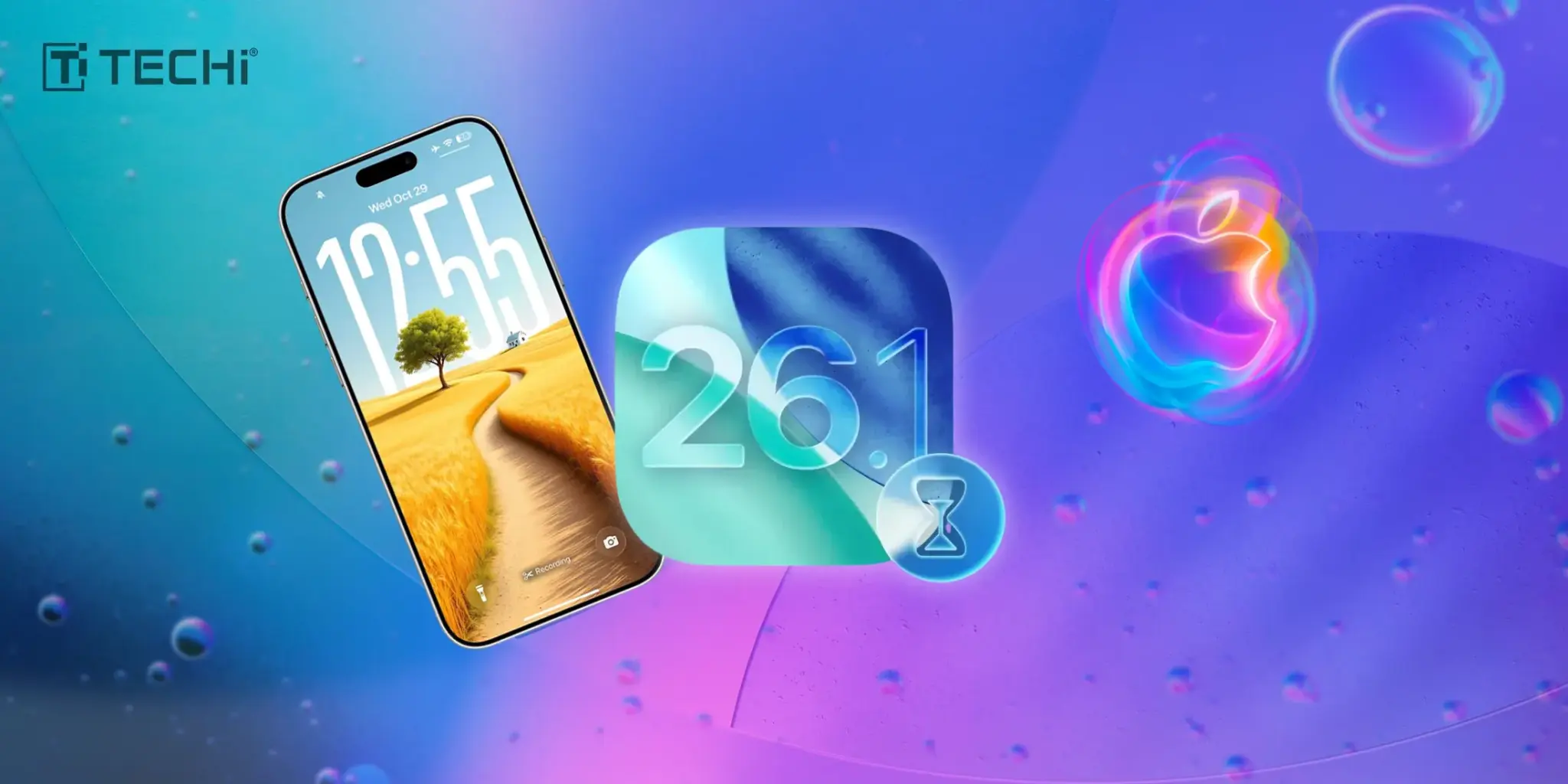
The most recent version of iOS, 26.1, is published and has minor refinements, which focus on presenting adjustments to the user interface and additional functionality of applications.
This release introduces a new system of control over Liquid Glass aesthetic as well as introduces a number of user-friendly features that made the access and navigation of the application much easier.
Laxing the Visual Strain with Liquid Glass

The most evident iOS 26.1 issue is the addition of a new switch called Liquid Glass Apple trademark translucent design that was originally unveiled in iOS 26.
Although the original Liquid Glass effect was focused on having a smooth, glossy transparency, some users complained that it was difficult to read, in particular with buttons and navigation tabs, which has changed to a more modernized setting with iOS 26.1 featuring higher levels of readability.
This measured change does not add ocular fatigue/stress as it increases the legibility of interface elements without undermining aesthetic quality.
The option is available directly in the settings and provides a quicker way of fine-tuning the visual feed to achieve the maximum readability, particularly to those using their devices in the settings with different light levels.
The importance of the feature highlights how much Apple has taken the problem of considering accessibility to suit the need of the user feedback about the need to have better on-screen features that can be clearly distinguished.
Intelligent Gestures and Translation in Real-time
The update also can improve gesture controls. Several small adjustments are also welcomed as the users now have an option to switch off the Camera application launch activated by a swipe on the lock-screen, a feature that many would desire to avoid frequent accidental photo-taking.
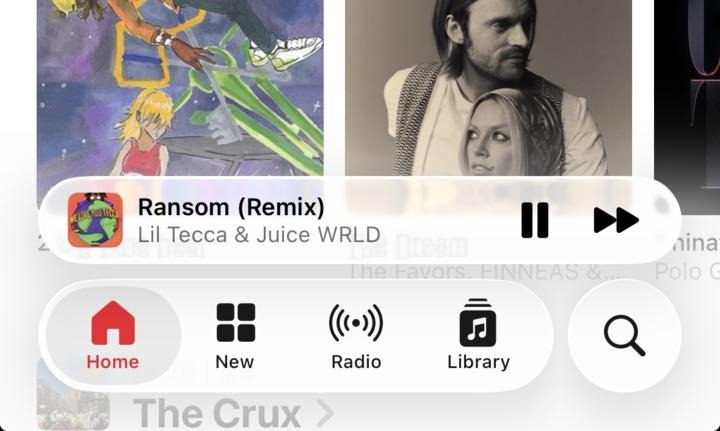
Simultaneously, Apple Music also has an extra swipe with the simple swipe of a MiniPlayer, it is also possible to easily switch music forwards or backwards without distracting the user with unlocking the device.
Another complex feature is the increased Live translation with AirPods. Chinese (both simplified and traditional), Japanese, Korean and Italian are now available in real-time translation.
This addition will allow customers to communicate with ease even with those that use multiple languages, thus increasing the utility of the wearable and mobile devices produced by Apple.
Increased Functionality and Less hostile Environment
In addition to interface additions, iOS 26.1 increases the range of available audio recording capabilities by allowing the adjustment of gain of an external USB microphone during local recording.
Workouts can now be logged in to Fitness app and also allow the user more freedom when it comes to tracking their health.
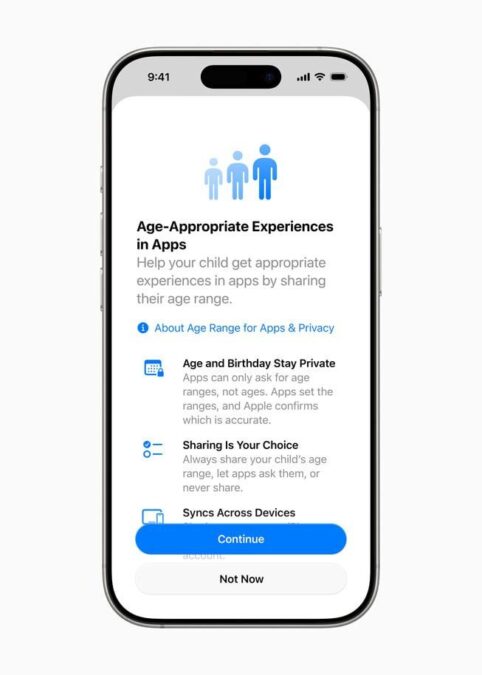
Apple implements safety making default Communication Safety and web content filters in the case of child accounts with the age between 13 and 17.
This is a proactive action in line with larger industry trends that seek to guard underage users on the internet.
What Does it Implicate in the Future?
The recent update of Liquid Glass reflects the concepts of responsive design, in which the experience of the user is improved based on empirical feedback.
Furthermore, the introduction of live language translation and the updated privacy settings indicate that the AI and security measures utilized within the Apple context have progressed to a higher level, thus, presumably contributing to the enhanced user comfort and safety in the virtual world.
The iOS 26.1 version signifies a major progression to smarter, more user-friendly and secure devices and, therefore, makes sure that the technological evolution keeps pace with the changes in user needs and lifestyles.
About the Author

Layloma Rashid writes about AI platforms and the companies selling them, from OpenAI's new teen alert on ChatGPT and GPT-5.6's arrival on Amazon Bedrock to C3.ai's enterprise AI earnings. She also follows chip policy for TECHi, including how many Nvidia H200s are shipping to China.



Comments