


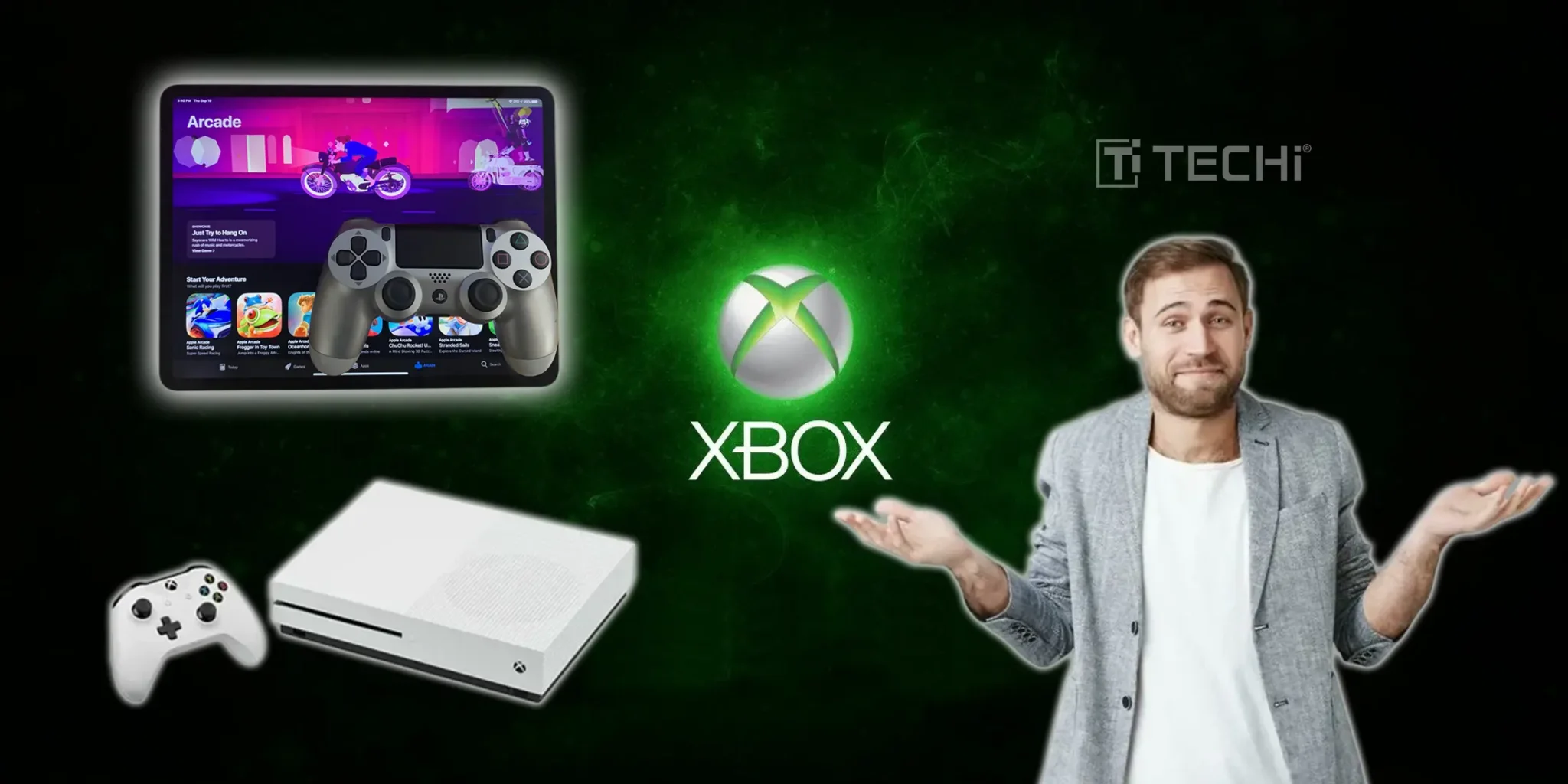
Xbox seems to be making no stops when it comes to gaming innovations and setting new benchmarks to follow. This time they’re providing you cloud gaming experience on your same old iPad. without requiring downloads, installations, or expensive hardware. The cloud-powered service streams Xbox games to your device, giving you a console-quality gaming experience wherever you have a solid internet connection.
Getting Started Is Surprisingly Simple
The deployment of this Xbox would be a cracker; you might think. But lucky for you, it's not. It's in fact simpler than you think. You'll need an iPad running iPadOS 14.4 or later, an active Xbox Game Pass subscription that includes cloud gaming access, and a reliable internet connection. Simply open Safari, navigate to the official Xbox Cloud Gaming website, and add it to your home screen for quick access.
Once you’re signed in with your Xbox account, you have a huge library of Xbox games at your disposal. The service supports Bluetooth controllers like the Xbox Wireless Controller for traditional gaming, while select titles offer intuitive touch controls that work surprisingly well on the iPad's touchscreen.
Performance Meets Convenience
The real hero here is Microsoft's data centers that are making this magic happen. Its their performance on the backend that gives you the liberty to play graphically demanding titles like Forza Horizon or Halo without taxing your device's battery or storage.
Here’s a bonus tip! Stick to broadband or fiber connection rather than trusting cellular data. Yes, 5G data is supported on this update, but a significant latency and delayed response is expected to run it on cellular data.
Understanding the Trade-offs
Xbox Cloud Gaming isn't perfect, and managing expectations is important. Your internet connection quality directly impacts gameplay smoothness, and multiplayer gaming on a single iPad isn't currently supported due to single-controller limitations. However, these constraints feel minor compared to the incredible convenience of accessing Xbox's entire ecosystem from your iPad.
The service excels at casual gaming sessions, travel entertainment, and trying new games without commitment. Whether you're commuting, relaxing in bed, or gaming away from your main console, Xbox Cloud Gaming delivers genuine console experiences with remarkable portability and zero setup friction.
Disclaimer
This article is for informational purposes only and does not constitute financial, investment, tax, or legal advice. Market data, tax rules, and prices can change after the article date. TECHi and its authors may hold positions in securities or digital assets mentioned. Always conduct your own research and consult a licensed financial, tax, or legal professional before making decisions.
About the Author

Qaiser Sultan writes about AI risk, crypto prices and online economies. He has covered Anthropic raising its misalignment risk label after cyber disclosures, how the Ether price looks after a brutal first half and how Roblox's Limited collectibles became real money, and he contributes to TECHi's Two Takes.

Comments